



Time tracking without screenshots: what is actually recorded?
Before installing an automatic time tracker, learn which records can still be collected without screenshots and the questions worth asking.
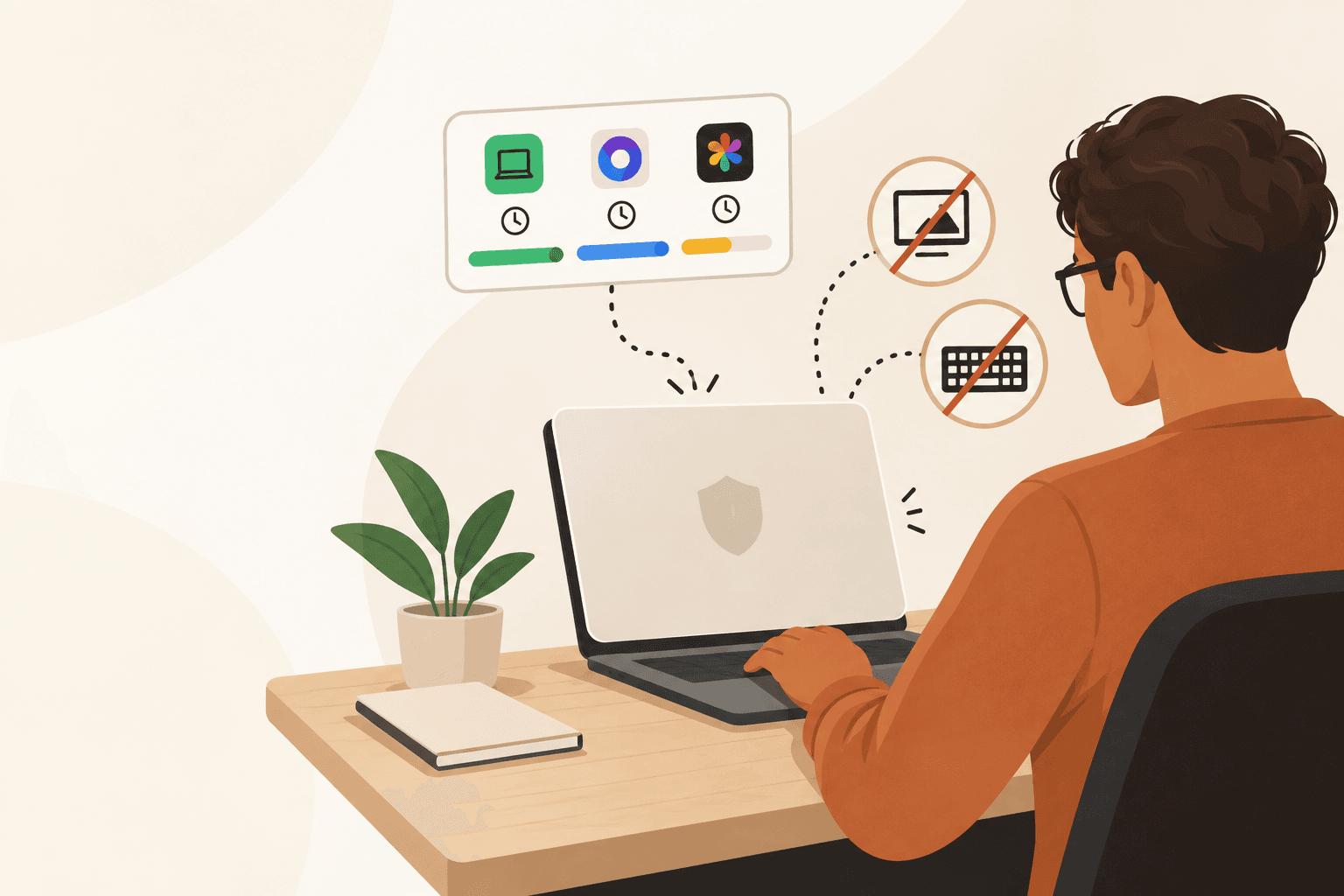
No screenshots is a meaningful boundary, but it is not a complete privacy description. An automatic time tracker can avoid capturing an image of your screen and still record app names, window titles, timestamps, project labels, or input totals. Before you install one, the useful question is not whether it takes screenshots. It is what it observes, what it stores, where that record goes, and who can read it.
Why "no screenshots" is not the whole answer
The concern is not theoretical. In a freelancer discussion about screenshot tracking, the original poster worried that a timer could expose web history, their screen, and information connected to other clients. That is one person's account, not a measure of how common the problem is. It does show why a screen image is a poor fit for anyone who moves between client work, personal accounts, and sensitive material on the same computer.
A separate privacy-community question about Timely focused on a different uncertainty: whether an account-based automatic tracker collected and stored personal data. That question matters even when images are absent. A service can make a useful timeline from smaller pieces of metadata, and the sensitivity of those pieces depends on your work. A window title can contain a client name, a draft subject line, a document title, or a calendar appointment.
There is no universal definition of "automatic tracking." Current official documentation makes the range visible. Upwork says its time tracker can collect screenshots, active application and window names, and counts of keystrokes, mouse selections, and scrolls while it does not record what was typed. Its help page lists those categories and the screenshot cadence. That is a billing-oriented product with a work diary, not a rule for every tracker. It is a useful reminder to read the data list rather than infer it from a short privacy claim.
Separate the record into layers
A clear product description separates content from metadata, local storage from sync, and collection from access. Content is the thing you can read or view: screenshots, recordings, copied text, audio, or the characters someone typed. Metadata describes activity around that content: when a session started, which app was in front, a window title, a project, or how many input events happened. Metadata is often less revealing than a screen image, but it is not automatically harmless.
Five questions for the data description
- Screen and content: does it capture screenshots, screen recordings, clipboard contents, audio, or typed text?
- Activity metadata: could an app name, window title, URL, session time, or idle label reveal a client, document, meeting, or personal task?
- Input measurement: are key-press, click, scroll, or mouse-distance counts collected, and can anyone besides you see them?
- Work context: which project names, notes, task labels, or billing details travel with the record?
- Storage and access: where does each category live, what syncs to an account, and who can reach it through an export or dashboard?
Some products offer useful controls inside those layers. For example, Toggl's current Activity Timeline documentation distinguishes recording app names from recording app names plus window titles, says its timeline data is local to the device for the last 30 days, and describes an application block list. Those controls are documented here. That does not make one product generally safer than another. It illustrates the level of detail a buyer should expect a tracker to state plainly.
What Flamely records, and what it does not
Flamely is a Windows desktop tracker for an individual keeping a record of their own work. While tracking is active, it records time by app and places time into active, idle, or break categories. It supports projects and can use app activity to make project suggestions. It does not take screenshots, record the screen, record audio, or record what someone types. That is the boundary behind "without screenshots."
The remaining record still needs to be named precisely. For activity-record data, Flamely's account sync includes app names, window titles, time per app, input counts, mouse distance, projects, session timing, and active, idle, and break categories. Input counts describe how much someone typed, clicked, or scrolled. They do not contain the keys or words themselves. Other account data, such as profile and settings, also sync. Workbook notes stay on the computer and do not sync. The tracker can work offline, but local-first does not mean local-only: an account is required and the product automatically syncs this account data.
Activity time is a personal record and possible billing aid, not a focus score. A low input count can mean reading a specification, thinking through a design, speaking on a call, sketching on paper, or simply being away. An app name can show where time was spent, not whether the work was good. Decisions need context.
Those distinctions rule out some convenient claims. Flamely should not be described as offline-only, optional-sync, end-to-end encrypted, GDPR-certified, or as having no keystroke counts. It has no employer view today, but that is not a substitute for reading what the account itself receives. If window titles include material you would not put in a work record, that is a reason to pause before installing, not a wording problem to wave away.
Questions to ask before installing an automatic tracker
Use this checklist with any tracker, including Flamely. A good answer names the data category, the retention or storage location where available, and the people or accounts that can access it.
- Does it capture a screenshot, record the screen, use the camera, open the microphone, inspect the clipboard, or record typed text?
- Does it read app names only, or app names plus window titles, URLs, document names, file paths, or calendar events?
- Does it count input activity such as key presses, clicks, scrolls, or mouse movement? If yes, can another person see those counts?
- What creates a record: every active window, only a selected project, a timer you start, or a rule you configure?
- What is saved on the device, what syncs to an account, and can sync be turned off? Do not assume that "local-first" answers the second question.
- Is an account required? If it is, what data stays available to the service while you work offline?
- Who can access the data now: only you, a workspace administrator, a client, support staff, or someone with an export?
- Can you exclude apps or categories, review the raw record, and delete or export it? If a setting exists, does the documentation say when it takes effect?
- Does the tracker describe encryption, retention, and legal compliance with evidence? Treat missing detail as missing detail, not as a guarantee.
- Would the record expose another client's name, confidential document title, personal appointment, or private note if you used the app normally for a week?
Choose a boundary you can explain to a client or yourself
A screenshot-free tracker can be appropriate when you need a time record without a visual archive of your desktop. It is not automatically appropriate for every computer or contract. Someone who needs proof for an hourly platform may accept a more detailed work diary because that platform's payment process depends on it. Someone who handles multiple clients' material on a personal computer may decide that window-title sync is too broad, even if the product never sees their screen.
For the person who wants an automatic personal record, Flamely's useful trade-off is specific: it tracks app-based time without screenshots, screen recording, or typed-content capture; it also syncs named activity metadata to the required account. If that is a boundary you can live with, install Flamely for Windows and read your first few days of records as a privacy check, not just a timesheet.