Scroll to Start TimerThis Session0H 0M 0S4H 24M 25S
Flamely highlights
FigmaNotionSlack
Not trackingYour project2m
Auto-start
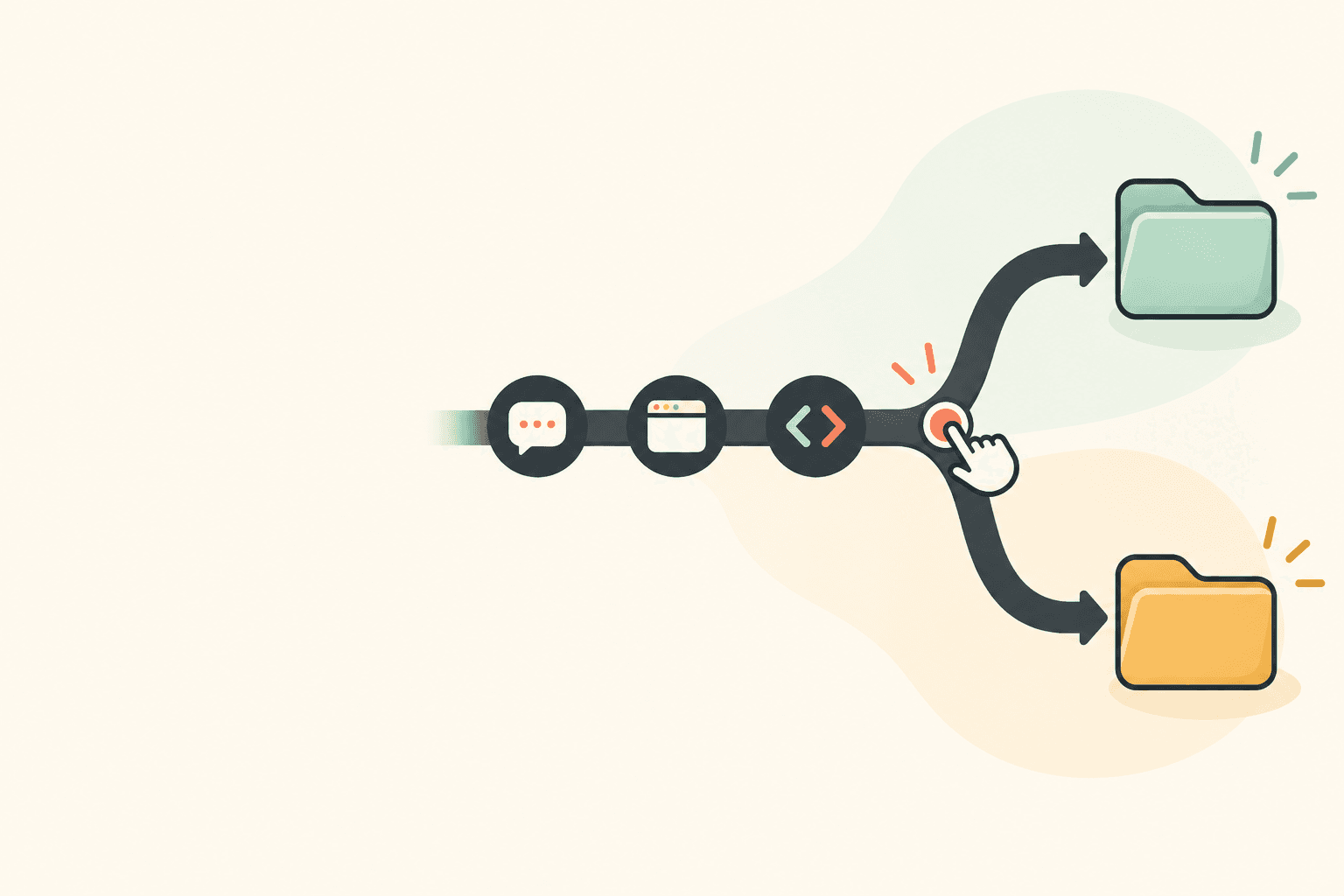
Autopilot starts the timer
Pick the apps that start tracking. Open one and the timer starts. Figma, Notion and Slack are set to start tracking; Auto-start turns on, Figma comes to the front, the candle lights and the widget counts up on your project.
9 AM10 AM11 AM
Figma30mNotion15mFigma1h 15mSlack8mVS Code45m
Tracks every app you use
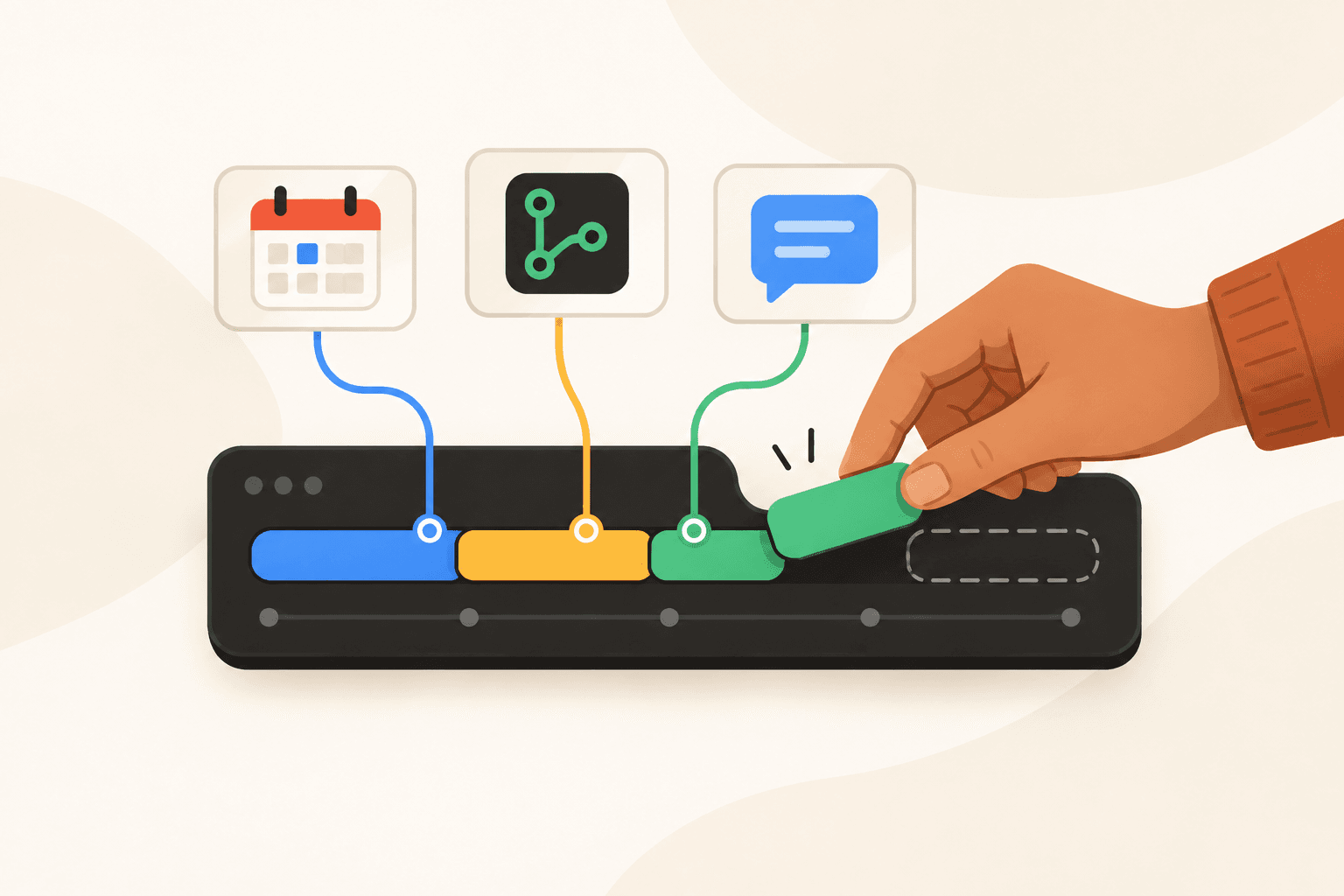
Each app you bring to the front lands on your timeline, with its time. Figma, Notion, Figma again, Slack and VS Code each land as a named block on the timeline from 9:02 to 11:55 AM, with their times.
Away
Away 6m. What were you doing?
Waiting on AIThinkingOn a callBreak
Kept as Waiting on AI
Your project5h 46mYour project5h 46m
Notices when you're idle
Back from a break in work? Pick what you were doing, and the time keeps it. The screen zooms into the widget, which asks: Away 6 minutes, what were you doing? Waiting on AI is picked, and the time is kept as Waiting on AI.
Check-in
What did you do since 10:47 AM?Logo lockups, first pass
SkipPin note
Your project2h 0m
What you did10:47 – 11:02 AM·Logo lockups, first pass9:32 AM·Moodboard sorted
Asks what you did
Every 15 minutes, one line on what you did, saved to your timeline. The screen zooms into the widget, which asks what you did since 10:47 AM; the note Logo lockups, first pass is kept under What you did, above an earlier note.
9:00–11:00 AM
12 AM6 AM12 PM6 PM
Peak focus hours
After a few tracked days, it shows your busiest two hours. Peak focus hours: 9:00 to 11:00 AM, your busiest two hours.
Your project12h 40m × $75 / hr$950$950
+2 projects$1,145
This week$2,095
Billable hours add up
Give each project a rate. Active and idle hours bill, breaks don't. Your project bills $950, two more projects $1,145, $2,095 this week.
Your plan besidethe time it really took.
Your tasks, each filling with what you tracked in it.
Plan in blocksDrag down the day to plan a task.Scroll to move the day
Fills as you workYour sessions land in the task, with your check-in notes.
Missed stays emptyNothing tracked in its time.
Day, Week, List and BoardThe same tasks in four views.
9 AM
10 AM
11 AM
12 PM
1 PM
2 PM
3 PM
4 PM
5 PM
6 PM
Logo directions
No note9:02–9:32 AM
Moodboard and type pairings9:32–9:47 AM
No note9:47–10:47 AM
Logo lockups, first pass10:47–11:02 AM
Pricing and contact form
No note11:02–11:10 AM
No note11:10–11:55 AM
Pricing table fixed on mobile11:55 AM–12:10 PM
No note12:10–12:25 PM
Reply to the client
Nothing tracked
Missed
Onboarding screens
Onboarding screens1:34–1:49 PM
No note1:49–3:04 PM
Sign-in flow wired up3:04–3:19 PM
No note3:19–3:29 PM
Logo export
No note3:29–4:14 PM
Exported logo files4:14–4:29 PM
No note4:31–5:16 PM
fills with the time you tracked
Contact form validation12:25–12:41 PM
No note1:04–1:34 PM
Homepage feedback, round two5:16–5:31 PM
No note5:31–5:40 PM
Your day: each planned task and the time tracked in it
Task
Planned
Tracked
State
Logo directions
9:00–11:00 AM
1h 58m
done
Pricing and contact form
11:00 AM–12:30 PM
1h 20m
to do
Reply to the client
12:45–1:00 PM
nothing tracked
missed, nothing tracked
Onboarding screens
1:30–3:30 PM
1h 59m
to do
Logo export
3:30–5:00 PM
1h 1m
to do
Your projects,app by app.
New project
New projectNameYour projectColourBillingNon-billableHourly · $75 / hrCreate project
Your projectNo clientHourly · $75 / hr
Your project created. It appears in every picker.
Projects and clients
Group projects under clients, and bill hourly or a fixed fee. A new project, Your project, billed hourly at $75 an hour.
Your projectNo client4h 12m
Top appsDetected activity in this project.
Figma1h 45m48%
Notion1h 5m30%
Slack40m18%
Apps in each project
See which apps each project took, without tagging anything. Your project, 4h 12m: Figma 1h 45m, Notion 1h 5m, Slack 40m.
Soon
Where did my week go?
Your project took 12h 40m, mostly in Figma.You focus best 9–11 AM.
Ask about your weekWhere did my week go?
AI insights
Coming soon: ask where your week went, and get an answer from your own time. Coming soon. Asked where the week went, it answers: Your project took 12h 40m, mostly in Figma. You focus best 9 to 11 AM.
FlamelyvsTogglClockifyHarvestRescueTimeRizeHubstaffTime DoctorFlamely versus Toggl, Clockify, Harvest, RescueTime, Rize, Hubstaff and Time Doctor.
What makes Flamelydifferent.
Not a faster timer. No timer to remember.
Flamely is a time tracker that does the remembering for you.
No running list in your head, no entries to fill in at the end of the day. Flamely notes the apps, the breaks and the time away while you work.
Apps like Toggl, Clockify and Harvest are built around billable hours and invoices. Flamely is built around your day: what your time costs, when you focus best, and where the hours slip away.
VS Code · 42mNote: Pricing table fixed on mobileAway 6m · kept
VS Code 42mChrome 22mSlack 6m
Break 10m
Away 6m · kept
Note: Pricing table fixed on mobile
Your project1h 31m
The same session on your project, 11:10 AM to 12:41 PM, 1 hour 31 minutes. A manual timer records it as one entry, with no apps, no breaks, no time away and no notes. Flamely splits it: VS Code 42 minutes, Chrome 22, Slack 6, a 10-minute break, 5 minutes idle and 6 minutes away, kept, with the note “Pricing table fixed on mobile”.
Click Start on the candle or the widget. You can also have Flamely start tracking when it opens, or when an app you pick comes to the front. If you stop and forget, the widget reminds you ten minutes later.
Choose how tracking starts in Settings.
Privacy
App activity and time spent.
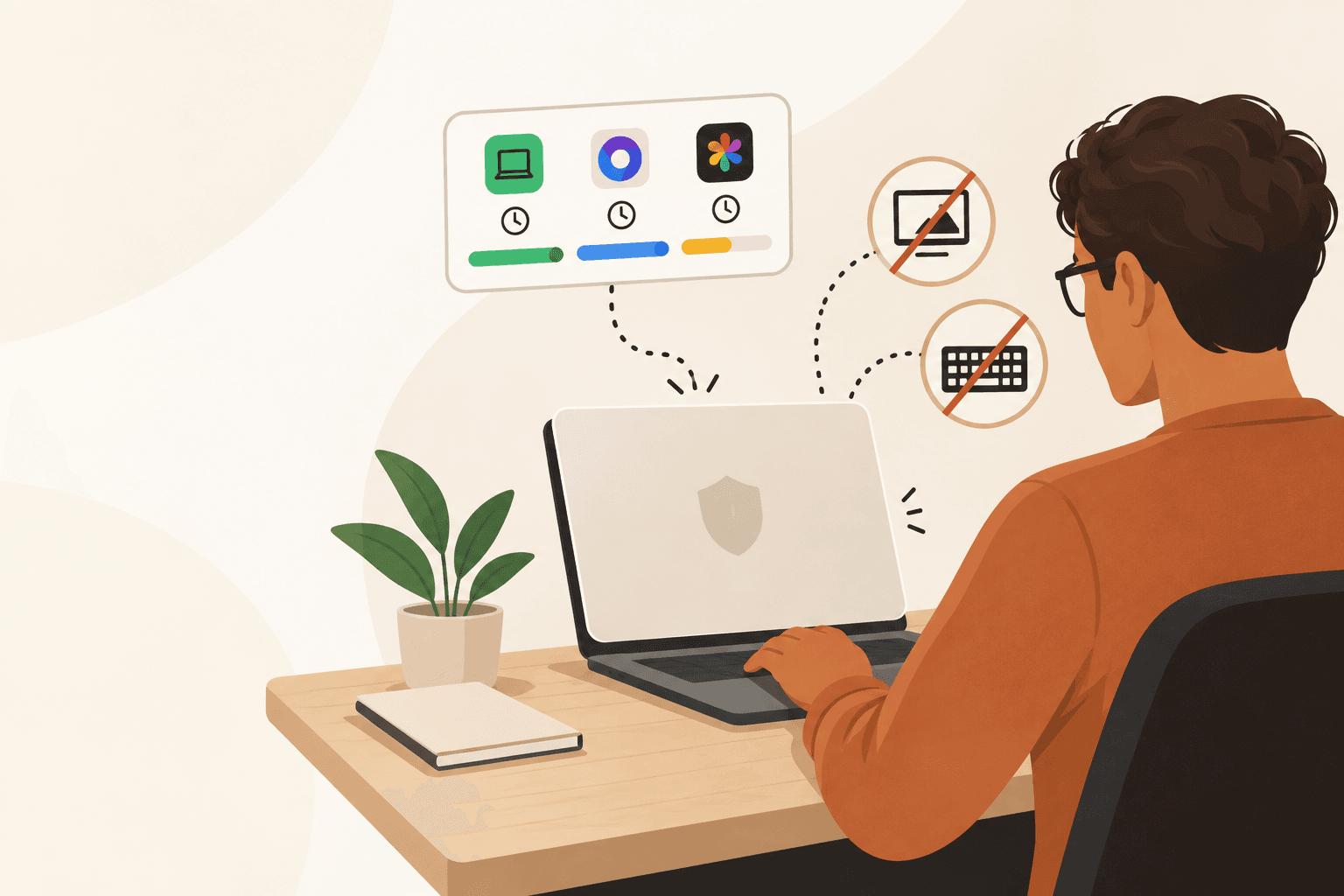
Flamely records which app is in front, a shortened window title, how long you work and when you go idle. On Windows it also counts typing, clicks, scrolling and mouse movement, never which keys. While you're signed in, your hours, projects, app names, shortened window titles and activity counts sync to your Flamely account.
No screenshots. Never what you type.
Screenshots
No screenshots or screen recordings.
No. It never takes screenshots or records your screen. On a Mac it asks for Screen Recording only to read window titles.
macOS keeps window titles behind that permission.
Price
Free to download.
Yes, Flamely is free to download. Plans and the current offer are shown inside the app.
No card needed to download.
Idle time
Idle time is kept apart.
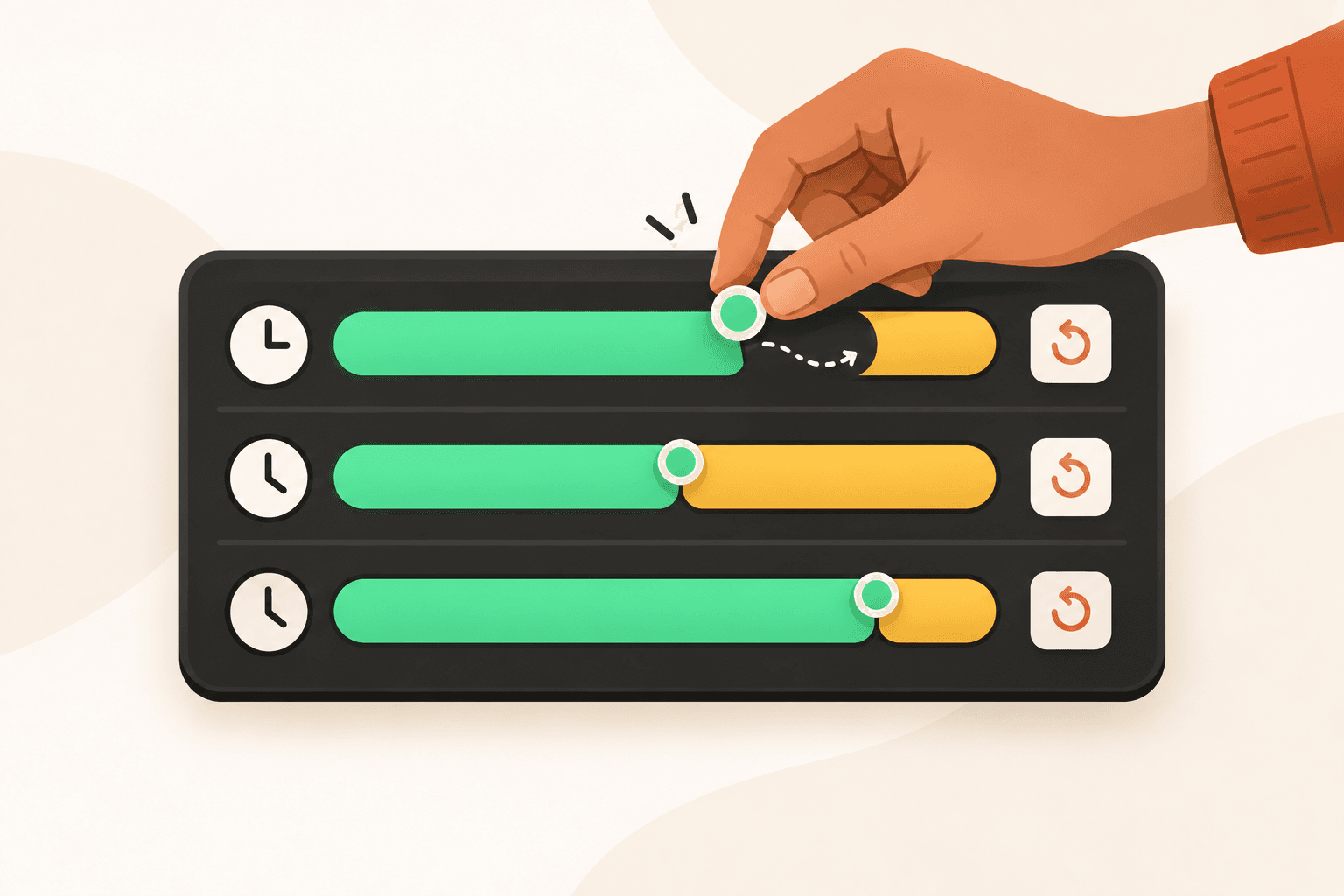
Flamely notices when you stop working and keeps idle time apart from active time and breaks. When you come back after 5 minutes or more, it does what you chose: Keep, Ask me, or Don't count.
Choose it under Idle & away in Settings.
Focus sessions
Choose a preset or a custom session.
Use Pomodoro, Deep Work, 52/17, or set your own session length. Breaks are tracked separately. Your daily goal is the length of your work window, and the candle burns down as the day fills.
Session and break lengths are adjustable.
Projects & reports
Group your time by project and client.
Create projects, group them under clients, and choose the apps that start each one. Give each project a rate and export your time as a CSV.
Billable value and CSV export are in the app now.
Platforms
Windows and macOS.
Download for Windows or Mac (Apple silicon and Intel). There is no phone app yet. An iPhone and iPad app is planned, with no date yet.
Each download page has its install guide.
Do I have to remember to start a timer?+
Click Start on the candle or the widget. You can also have Flamely start tracking when it opens, or when an app you pick comes to the front. If you stop and forget, the widget reminds you ten minutes later.
Choose how tracking starts in Settings.
What does Flamely record?+
Flamely records which app is in front, a shortened window title, how long you work and when you go idle. On Windows it also counts typing, clicks, scrolling and mouse movement, never which keys. While you're signed in, your hours, projects, app names, shortened window titles and activity counts sync to your Flamely account.
No screenshots. Never what you type.
Does Flamely take screenshots?+
No. It never takes screenshots or records your screen. On a Mac it asks for Screen Recording only to read window titles.
macOS keeps window titles behind that permission.
Is Flamely free?+
Yes, Flamely is free to download. Plans and the current offer are shown inside the app.
No card needed to download.
What happens when I step away?+
Flamely notices when you stop working and keeps idle time apart from active time and breaks. When you come back after 5 minutes or more, it does what you chose: Keep, Ask me, or Don't count.
Choose it under Idle & away in Settings.
Can I set my own session length?+
Use Pomodoro, Deep Work, 52/17, or set your own session length. Breaks are tracked separately. Your daily goal is the length of your work window, and the candle burns down as the day fills.
Session and break lengths are adjustable.
Can I organize and export my time?+
Create projects, group them under clients, and choose the apps that start each one. Give each project a rate and export your time as a CSV.
Billable value and CSV export are in the app now.
Where can I use Flamely?+
Download for Windows or Mac (Apple silicon and Intel). There is no phone app yet. An iPhone and iPad app is planned, with no date yet.







 Figma
Figma













 Notion
 Slack
Slack