




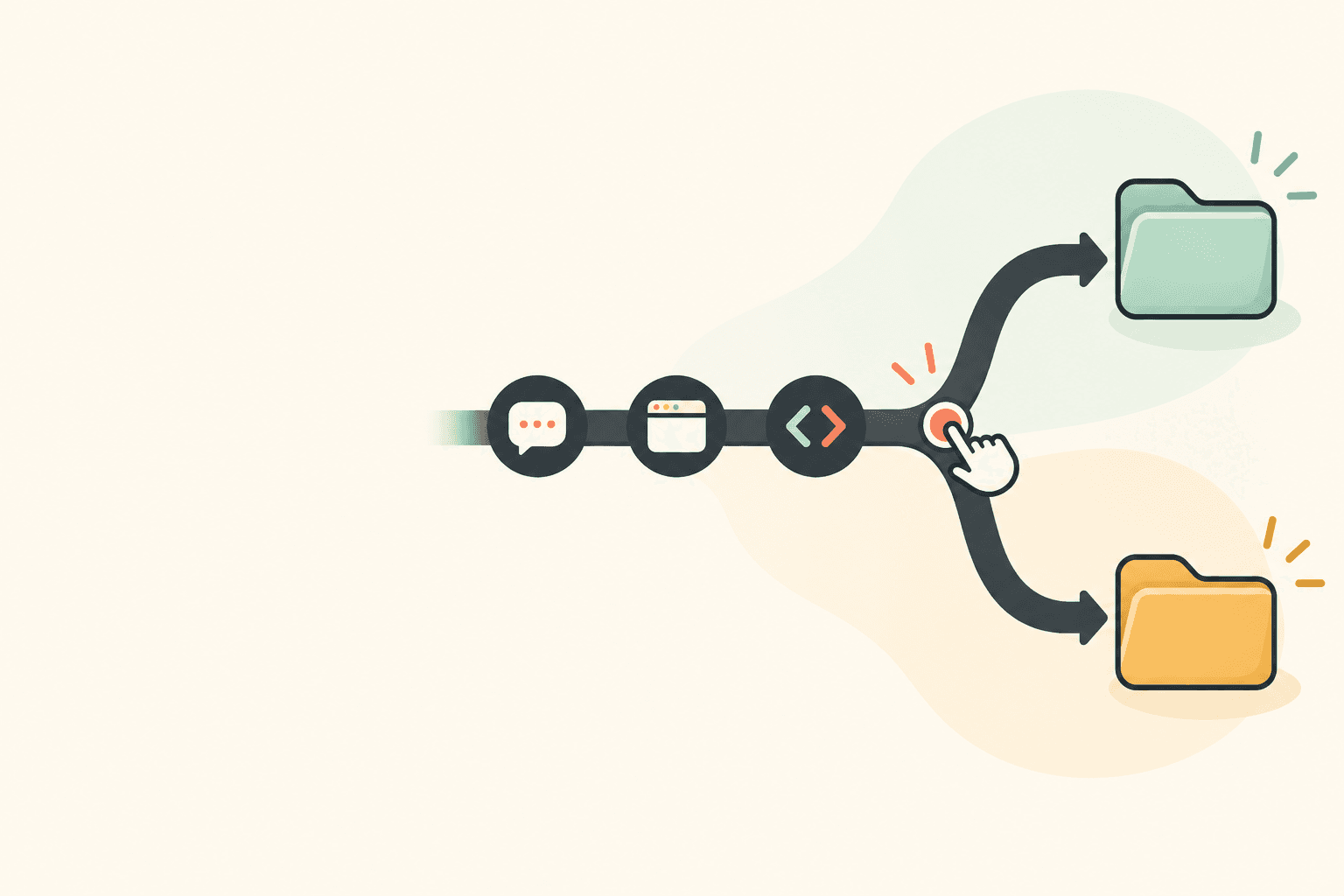
How to track time when you keep switching clients
A practical method for freelancers to separate client work during a busy day, review ambiguous interruptions honestly, and choose the right kind of time tracker.
You are halfway through Client A's work when Client B sends a message that needs a quick answer. Twenty minutes later, you are back in the first task but no longer sure which client should carry the interruption. The goal is not to turn every tiny switch into a perfect measurement exercise. It is to leave a record you can explain: what changed, what evidence remains, and which time belongs to which client. That takes a small protocol, not a heroic attempt to remember Friday afternoon on Monday morning.
This is a specific kind of freelance friction. In one r/webdev discussion, a developer describes moving between four or five clients and losing a timer switch after a Slack interruption. A separate r/Freelancers post asks how to keep project records useful for monthly client summaries and invoices. These are individual accounts, not a measure of how often this happens. They are useful because they show the real decision: the tracker must be light enough to use during a switch, then clear enough to review later.
Separate a client switch from an app switch
An app change is not automatically a client change. A browser, Slack, email, calendar, and design tool may be used for several clients in the same hour. Treating every foreground app as a client label creates a tidy-looking record that can be wrong. Start with projects, not applications: make one project for each client engagement, and decide where general business admin, sales calls, and personal time go before the day becomes busy.
- Name the project at the level you invoice. If one client has a monthly retainer and a separate fixed-scope build, keep those as separate projects only if you need to report or bill them separately.
- Give shared apps a neutral interpretation. A Slack notification tells you that an interruption happened; it does not prove that the whole Slack block belongs to that client.
- Use a simple boundary rule. When you leave Client A for a meaningful Client B request, mark the start and end of the Client B work as close to the switch as your setup allows. Do not wait for a later batch of recollection.
- Keep very short interruptions visible without forcing an instant invoice decision. A scratch note such as '11:17 B, deployment question' is enough to preserve the context until review.
- Return to the original project deliberately. The second boundary matters as much as the first because it stops a quick reply from silently becoming an hour under the wrong client.
Make an allocation from evidence, not a clean-looking guess
Suppose you were working on Client A at 10:04. At 10:17, Client B sends a question. You reply, check a deployment, and send Client B an answer at 10:28 before returning to A. The messages and deployment event support a short Client B block. They do not prove that the entire 24-minute span was continuous billable work. You might have read the request, waited for a page to load, taken a break, or dealt with another task.
Use a conservative worked example
- Client A was active until 10:17. Keep the supported A work before that boundary with Client A.
- Client B's message, a deployment check, and the 10:28 reply establish the purpose and outer range of the interruption. Note the evidence beside the B project.
- If the agreement allows a short rounded entry, use the conservative duration you can defend. If the agreement requires a specific kind of record and the boundaries are not supported, mark it unbilled or ask the client how they want it handled.
- When you return to Client A, restart or confirm that project before resuming the original task. Do not spread the uncertain middle equally between both clients just because the math is convenient.
The numbers in that example are deliberately absent. The right billing increment depends on the agreement, the type of work, and the evidence you kept. A support retainer may make a quick reply part of an included service. An hourly contract may require a separate entry. A timer can preserve context, but it cannot decide a scope boundary or convert thin evidence into a precise duration.
When these short switches recur, make the commercial rule explicit before the next invoice. You might agree on a minimum billable increment, include a defined amount of support in a retainer, or treat quick clarifications as relationship work. Each option can be reasonable. The important part is that the client sees the rule before a collection of two-minute messages becomes a surprising line item.
Run a five-minute client review before you close the day
A daily review is smaller and more honest than a weekly rescue. Open the project timeline while the day is fresh, then compare it with the evidence created by the work: client conversations, sent email, meeting notes, commits, issues, design comments, and deployment logs. You are looking for three things: a project that stayed active after you changed clients, a gap that needs a neutral note, and a vague item that needs an explicit billing decision.
- Ask what each ambiguous block was for before asking how many minutes it should contain.
- Check whether the work belongs to a client project, internal admin, or a break. Keep those categories separate even when they happened close together.
- Write down the evidence for a disputed or rounded entry. A compact note is better than an elaborate narrative created days later.
- Flag repeated ambiguity. If the same client keeps creating short urgent requests, decide whether a support retainer, a minimum billable increment, or a new communication rule belongs in the agreement.
Where automatic tracking helps, and where it should stay out of the way
Automatic tracking is useful when it lowers the number of moments you must remember. On Windows, Flamely records active, idle, and break categories while tracking is active, along with app-by-app and project time. A project suggestion can appear after three active minutes, but it asks before switching. Autopilot can begin tracking when a chosen app has stayed in front for 30 seconds. Use that kind of rule only for an app that reliably belongs to one project. Assigning a shared browser or company-wide chat app to a single client automatically would create exactly the kind of false certainty this workflow is meant to avoid.
Projects can hold hourly or fixed billing settings and show running estimates. Flamely also exports time-entry, app-usage, and project CSV files. Those are helpful records for a personal review or an external billing workflow, but Flamely does not create invoices, offer team or employer views, or provide manual time editing. It also cannot reconstruct work that happened before tracking was active.
When manual entry is a better fit
Some workflows need post-hoc entry as a normal part of the job. Toggl Track's current Manual Mode documentation says it is for entering time after an activity has concluded. Its time-entry guide says an entry can include a start and end time, duration, and project. That is a better fit if you regularly reconstruct a client log and need to edit the result. It does not remove the need for evidence, but it supports the last step that Flamely intentionally does not provide.
If your priority is a local-first activity record while you work, Flamely is built for that narrower job. It does not take screenshots, record your screen, or record what you type. Local-first does not mean local-only: the computer is the source of truth and a copy syncs to your account. Choose the workflow that makes your record more honest, not the one that promises the most automation.
Keep a fallback that fits the day you actually have
Keep one lightweight fallback for sudden switches: a dated note with project initials, or a line inside the project folder you already have open. It is not a replacement for a tracker. It is a memory aid when Client B interrupts Client A before you have made the switch visible. The best fallback is not the most comprehensive template. It is the one that will still be open when a message arrives in the middle of real work.